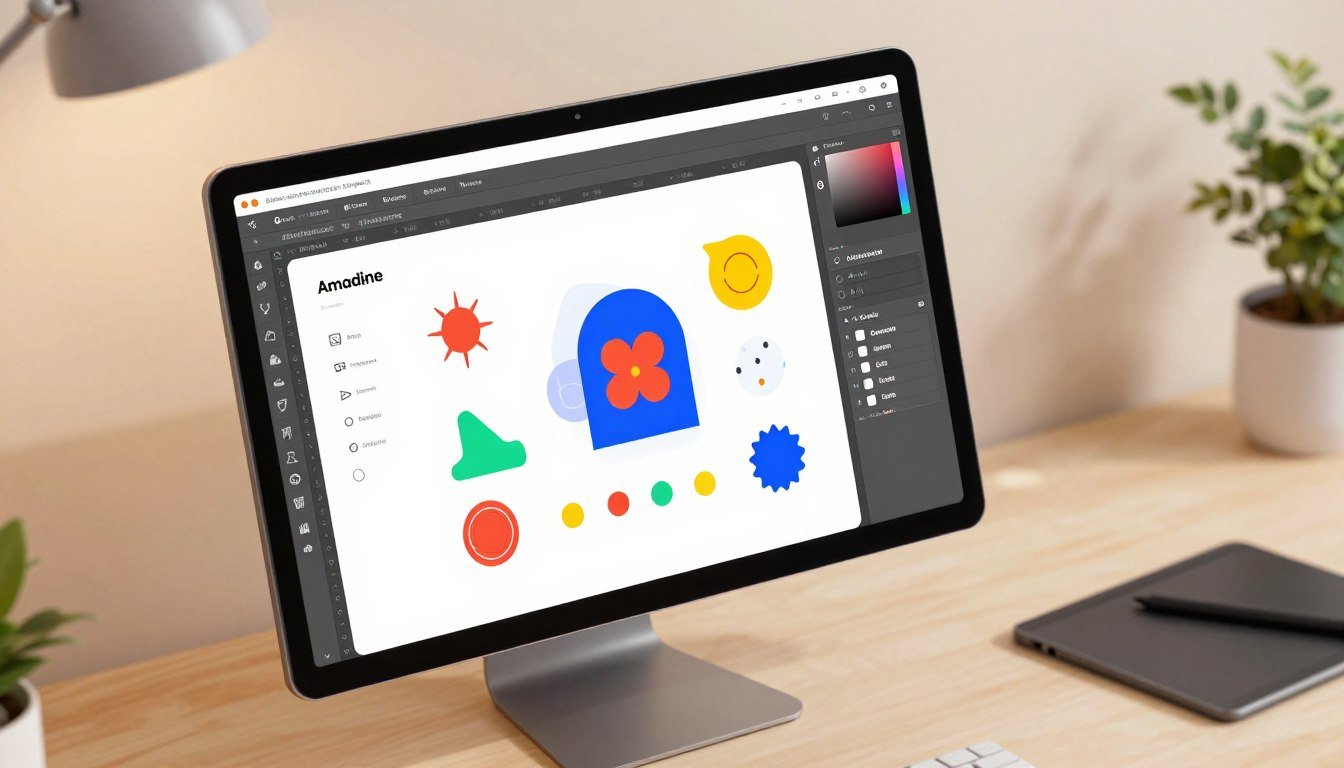
What if you could access professional-grade vector design tools without the steep learning curve or subscription fees? This question challenges the common belief that powerful graphic software must be complex and expensive.
Amadine offers a compelling answer. It’s a comprehensive vector graphics application available across macOS, iPad, and iPhone. This gives you a seamless workflow from desktop to mobile.
Amadine features an intuitive user interface with a gentle learning curve. This makes it accessible for beginners while remaining robust for advanced users. You can create complex artwork for various applications.
This review provides an in-depth analysis of the tool’s capabilities, pricing, and competitive standing. Our goal is to help you make an informed purchasing decision based on real value and usability.
We’ll explore the specific features that make this software stand out. You’ll learn about its text tools, object selection, and illustration capabilities. We’ll systematically cover pros, cons, and comparisons to other design tools on the market.
Key Takeaways
- Amadine is a full-featured vector design app for Apple’s macOS, iPad, and iPhone platforms.
- Amadine balances professional power with an intuitive interface suitable for all skill levels.
- It enables the creation of diverse vector graphics, from logos and icons to complex illustrations.
- This review focuses on providing actionable insights to support your software purchasing decision.
- We will examine the app’s specific tools, workflow advantages, and overall value proposition.
- The analysis includes direct comparisons with established competitors in the design software market.
- Understanding the pricing structure and feature set is crucial for determining if it meets your needs.
What Is Amadine? An Introduction to the Vector Design App
Finding a vector graphics application that balances professional capability with straightforward usability can transform your creative workflow. This software represents a dedicated solution for Apple device users.
It is engineered specifically for macOS, iPadOS, and iOS ecosystems. Unlike raster-based photo editors, this tool focuses exclusively on scalable vector artwork.
The development philosophy centers on delivering a comprehensive set of professional features within an accessible interface. Every tool is designed to help bring creative ideas to life with precision.
A significant advantage is the available lifetime license model. This one-time purchase option provides excellent long-term value compared to recurring subscriptions.
File management is flexible and user-controlled. You can store documents locally on your device or in your preferred cloud service like iCloud.
The target audience spans from professional graphic designers and illustrators to students and small business owners. Its gentle learning curve makes powerful design tools available to everyone.
Amadine excels at various project types. These include print materials like posters and brochures, digital illustrations, web design assets, and complete branding elements.
In the market, it positions itself as a competitive alternative to more expensive or complex software. The balance of capability and approachability defines its core value proposition for users at any skill level.
Amadine’s Powerful Feature Set: Tools for Professionals and Hobbyists
Beyond a clean interface, what truly defines a graphic application is the depth and accessibility of its core features for all user levels. This software delivers a comprehensive toolkit that empowers both seasoned professionals and enthusiastic beginners.
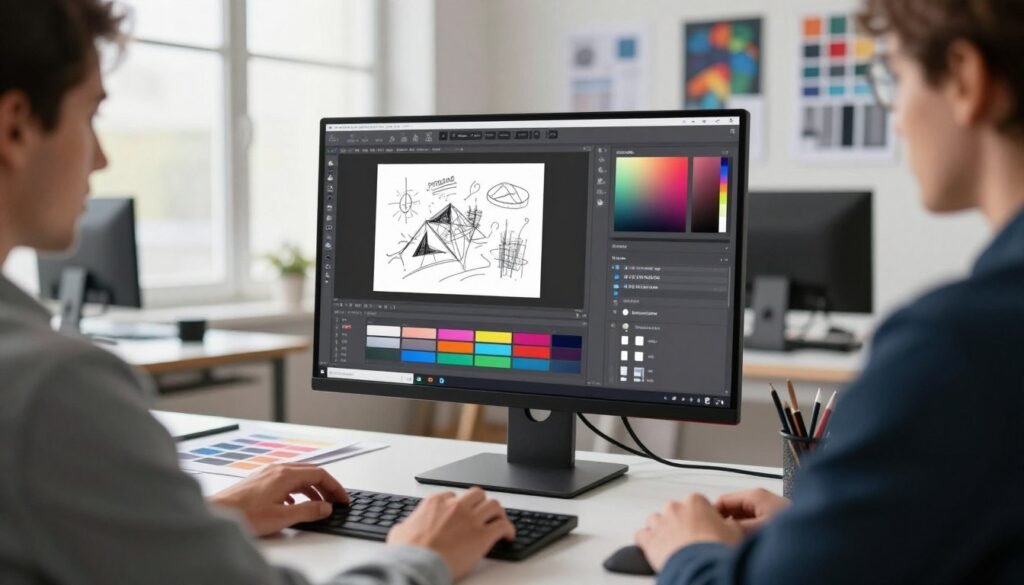
The design environment provides everything needed to create stunning vector artwork. Each toolset is crafted for precision and creative freedom without overwhelming complexity.
Advanced Drawing and Path Editing Tools
Creating smooth, precise vector shapes is fundamental. The app includes a full suite of drawing instruments like the Pen, Pencil, and Brush tools.
Path editing is intuitive yet powerful. You can easily add, delete, or convert anchor points to refine any curve.
Boolean operations let you combine shapes in creative ways. This allows for the construction of complex graphics from simple forms.
Streamlined Workflow and Layer Management
Staying organized is key to efficient design work. The layer panel provides clear visibility and control over every element in your document.
You can group objects, lock layers, and adjust opacity with simple clicks. Non-destructive effects can be applied and edited at any time.
Amadine uses a zipped document format (.amdc) for saved files. This format helps prevent data corruption when using cloud storage services.
Impeccable Color Work and Text Editing
Vibrant color brings designs to life. The application supports multiple color models including RGB, CMYK, and HSB for complete flexibility.
Gradients and patterns can be applied to fills and strokes with ease. The eyedropper tool ensures perfect color matching across your project.
Typography controls are equally robust. You can manipulate character and paragraph styles to craft perfect text elements for any layout.
Flexible Import and Export Capabilities
Real-world projects require working with various assets. The software supports a wide range of industry-standard file formats for import.
You can bring in vector files like SVG, PDF, and AI. Raster images such as JPEG, TIFF, PNG, and HEIC are also fully compatible.
A key feature is multi-page PDF import. You can specify a page range or select individual pages when bringing content into your document.
Export options provide complete control over your final output. Save your work in vector formats like SVG and PDF for scalability.
For raster graphics, choose from JPEG, TIFF, or PNG files. You can even export directly to PDF for print-ready documents.
The scope of your export is fully customizable. Choose to export the entire document, a specific sheet, or just a selected object.
SVG export includes a “Responsive” option and follows XML 1.0 standards. This ensures better web compatibility and smooth work with other applications.
Enhanced workflow integration is possible. You can copy objects to the clipboard in SVG format for direct pasting into tools like Figma.
Platform Experience: Using Amadine on Mac, iPad, and iPhone
A design application’s value increases dramatically when it offers a consistent experience from desktop to pocket. This software delivers a unified workflow across Apple’s entire ecosystem.
Each version is tailored to its platform’s strengths. You get the right interface and tools for each device type.
Amadine for macOS: The Full Desktop Powerhouse
The Mac version provides the complete professional toolkit. It leverages the power and screen real estate of desktop computing.
You access all advanced vector features through a traditional menu and panel interface. This layout suits extended work sessions and complex projects.
Precision control comes from keyboard shortcuts and a trackpad or mouse. The desktop app handles demanding illustrations and multi-page documents with ease.
Amadine for iPad: Apple Pencil-Optimized Design
The iPad app transforms the tablet into a digital sketchbook and design studio. It fully supports the Apple Pencil for natural drawing.
Touch gestures and pencil pressure sensitivity create an intuitive creative flow. This ipad app feels like working with traditional art tools.
You can take your projects anywhere without sacrificing capability. The feature set is nearly identical to the Mac version.
This makes the tablet a serious production device. It’s perfect for illustrators and designers who value mobility.
Amadine for iPhone: Vector Design On-the-Go
A separate iPhone version puts a full vector editor in your pocket. It contains all the core features adapted for a smaller screen.
The app shares the same engine and file format as its larger siblings. This ensures perfect compatibility across your Apple devices.
You can start a project on Mac, refine it on iPad, and make final tweaks on iPhone. The workflow is truly seamless.
Interface adaptations maximize the usable canvas area. You’ll find more modal panels and popovers instead of permanent sidebars.
The tool remains competent for quick edits, reviews, or light creation. It’s ideal for capturing inspiration or adjusting work while away from your main devices.
The feature set is comparable, though the workflow focuses on touch gestures. Some peripheral tools suited for larger screens may be streamlined.
In-app purchases for the mobile versions are separate from the Mac license. A free trial lets you test the functionality before buying.
Having this powerful design tool always with you extends productivity. It enables true on-the-go creativity and seamless continuity.
Amadine Review: Weighing the Pros and Cons
No design application is perfect, but understanding its trade-offs is key to determining if it fits your specific needs. This balanced review examines both the compelling advantages and the noted limitations based on real user experiences.
Advantages of Choosing This Software
The app delivers significant value through its accessible design philosophy. New users appreciate the gentle learning curve that doesn’t sacrifice professional power.
A major benefit is the available lifetime license. This one-time purchase model provides excellent long-term value compared to subscription plans.
The seamless workflow across Apple devices is a standout feature. You can start a project on Mac and continue editing on iPad or iPhone without compatibility issues.
Core design tools are robust and well-implemented. The software handles complex vector paths and object editing with precision.
File format support is comprehensive for both import and export. This flexibility makes it easy to integrate into existing creative workflows.
Current Limitations and User Critiques
Some users note that the Pen tool behaves differently than in Adobe Illustrator. Closing a path often requires a manual adjustment step, which can disrupt flow for veterans of other software.
On the iPad, the undo and redo buttons are not permanently on the canvas. This requires an extra tap to access, interrupting the creative process for quick corrections.
Selecting objects with the Apple Pencil can be tricky. A slight drag with the tip may move an element instead of just selecting it, demanding a careful touch.
The colored outlines for selected layers are automatically assigned on iPad. Users cannot change these colors, which sometimes clash with artwork and reduce visibility.
While powerful, the iPad app does not offer the complete feature set of the desktop version. Keyboard shortcut customization is also more limited on the tablet.
Text handling is competent but may not match the advanced typographic options found in Affinity Designer. Professionals needing intricate text control might find some limitations.
Finally, the Mac and iPad licenses are sold separately. For users wanting the full cross-platform experience, this represents an additional total cost.
Amadine Pricing and License Options: Is It a Good Value?
The true value of software extends beyond its features to how its pricing model fits your financial planning and creative goals. This vector design application offers transparent, straightforward pricing that contrasts sharply with industry subscription norms.
For Mac users, a single desktop license costs $29.99. This is a permanent, one-time purchase with no recurring fees.
The Family license option provides excellent value at $49.99. It covers installation on up to five computers.
This makes it cost-effective for teams, families, or individuals with multiple machines. The mobile app requires a separate purchase.
iPad and iPhone users pay $29.99 for a permanent license. There is also a $9.99 annual subscription alternative available.
For most long-term users, the one-time purchase represents better financial sense. It eliminates ongoing costs after the initial investment.
The free version of the software is fully functional for creation. You can explore all tools and craft artwork without payment.
Unlocking export and standard file save options requires an in-app purchase. This try-before-you-buy model reduces purchase risk.
Combining Mac and iPad lifetime licenses totals approximately $60. Compare this to Adobe Illustrator’s $20.99 monthly subscription.
The lifetime cost advantage becomes clear within just a few months. You own the software permanently without further payments.
This pricing structure delivers exceptional value for the features provided. The robust toolset includes advanced path editing and layer management.
Professional graphics creation is fully supported. You get precise control over text, shapes, and complex objects.
The intuitive interface and object selection tools enhance productivity. Cross-platform availability adds significant workflow flexibility.
Ongoing updates and technical support are included with each license. This feature ensures your investment remains current.
For individuals, hobbyists, and small businesses, this represents outstanding value. You access professional-grade tools without subscription overhead.
The lifetime license model provides financial predictability and long-term savings. It makes professional design use accessible to more creators.
When evaluating total cost of ownership, this software delivers compelling value. The combination of capability, affordability, and ownership freedom is rare in today’s market.
Amadine vs. The Competition: Illustrator and Affinity Designer
The decision between competing design tools often comes down to specific feature implementations and overall user experience. This comparison examines how this software stacks against two major players: Adobe Illustrator and Affinity Designer.
Understanding these differences helps you choose the right tool for your creative workflow. Each application brings unique strengths to vector design.
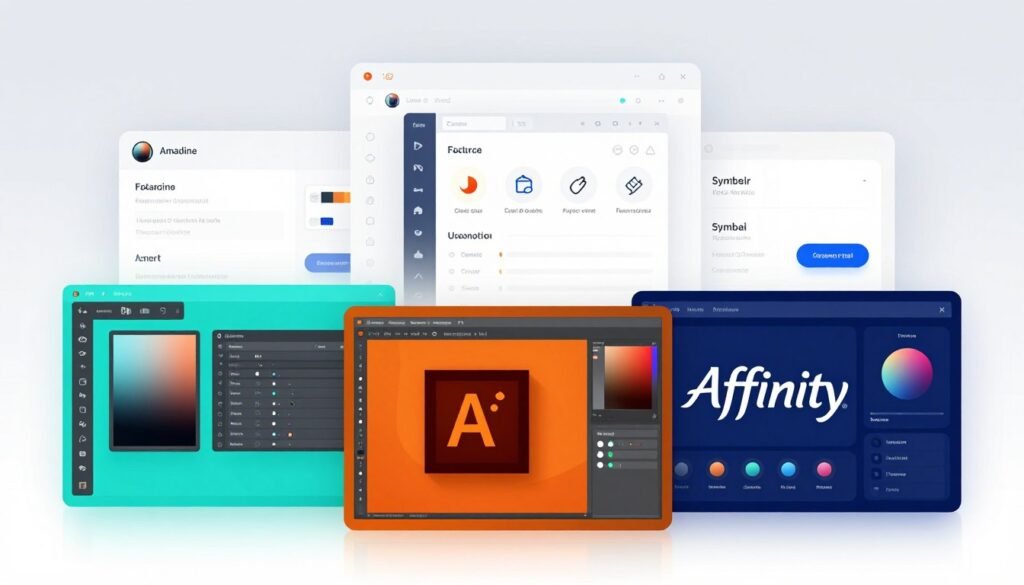
Amadine vs. Adobe Illustrator
Adobe Illustrator dominates the professional vector graphics market. It offers an exhaustive set of features for complex projects.
The most significant difference is the pricing model. Illustrator uses a monthly subscription that costs $20.99.
This software provides a one-time purchase license. This lifetime license model offers substantial long-term savings.
Illustrator has a steeper learning curve for beginners. Its interface contains decades of accumulated tools and panels.
This application features a cleaner, more intuitive user interface. New users can start creating meaningful work faster.
Both applications support essential vector design tasks. They handle paths, shapes, and object manipulation effectively.
File format support is strong in both tools. You can import and export SVG, PDF, PNG, and TIFF files.
Illustrator benefits from deep integration with other Adobe Creative Cloud apps. This software focuses on being an excellent standalone solution.
For professionals needing industry-standard compatibility, Illustrator remains the safe choice. For value-conscious creators seeking capable tools without subscriptions, this application presents a compelling alternative.
Amadine vs. Affinity Designer
Affinity Designer represents the most direct competitor in the one-time purchase space. Both applications champion the lifetime license approach against subscription software.
The interface and usability differ noticeably. This software is often praised for its gentle learning curve and clean layout.
Affinity Designer packs incredible power into its interface. Some newcomers find its dense toolset slightly overwhelming at first.
A key differentiator is Affinity Designer’s unique dual Personas system. It seamlessly switches between Vector and Pixel editing modes within the same app.
This integrated raster editing capability is a significant advantage. The competing application focuses purely on vector design workflows.
Text handling shows another distinction. Affinity Designer provides more advanced typographic controls and text styling options.
Professionals needing intricate text manipulation may prefer Affinity’s toolset. Both applications handle basic to intermediate text tasks competently.
Platform parity is strong for both. They offer desktop and iPad versions for flexible workflow.
Affinity Designer’s iPad app is a remarkably complete port of the desktop software. The competing iPad version has some functional differences from its desktop counterpart.
Toolset evaluation reveals competitive strengths in different areas. Each application excels at specific illustration, logo design, and UI tasks.
Minor tool variations exist, like different implementations for corner rounding or shape fusion. These differences may sway users based on personal preference.
Both are superb values in the vector design market. Your choice may come down to workflow preferences.
Need integrated raster editing? Affinity Designer’s Pixel Persona is unmatched. Prefer specific tool implementations and interface clarity? This application might be your ideal match.
Conclusion: Is Amadine the Right Graphic Design Tool for You?
Choosing the right vector design software ultimately depends on how well it fits your creative process and budget constraints. This application delivers professional vector graphics capability with an intuitive interface.
Hobbyists, illustrators, and small business owners will find excellent value. The lifetime license model avoids subscription fees while providing robust design tools.
The standout iPad app offers near-desktop power optimized for the Apple Pencil. Minor interface quirks exist but don’t hinder most workflows.
For illustration, logo design, and UI work on Apple platforms, this tool is a smart investment. Download the free version to test the drawing and editing tools firsthand.
FAQ
What are the main benefits of the lifetime license?
The one-time purchase provides permanent access to the current version and its features. You avoid recurring subscription fees, making it a cost-effective long-term solution for vector design.
How does this app handle PDF and PNG files?
It offers robust support for multiple file formats. You can import PDFs for editing and export your projects to high-quality PNG, TIFF, and other standard formats for web or print.
Is the software suitable for beginners?
Yes, its intuitive interface and logical toolset result in a gentle learning curve. New users can quickly grasp core functions like drawing shapes and editing paths.
Can I use my Apple Pencil with the iPad version?
A> Absolutely. The iPad app is fully optimized for the Apple Pencil, providing a natural and responsive drawing experience for creating vector graphics directly on your tablet.
What advanced features support a professional workflow?
Professionals benefit from non-destructive editing, a powerful node tool for precise paths, global color swatches, and the ability to create multiple artboards within a single document.
Does it work on both desktop and mobile devices?
Yes, it is a cross-platform tool. You get a full-featured desktop version for macOS and dedicated, capable apps for iPad and iPhone, supporting a flexible mobile workflow.