
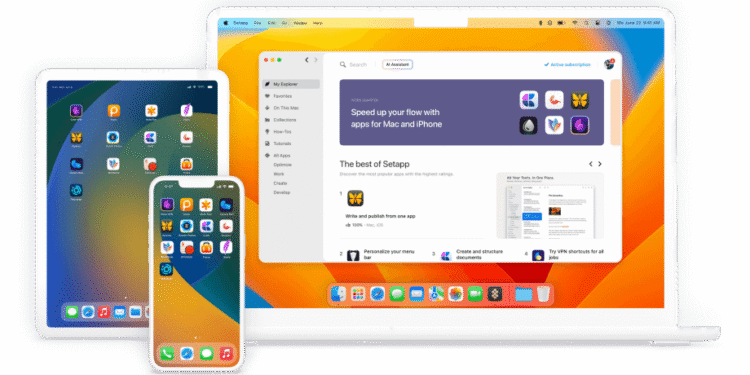
Women freelancers and creatives on Mac often buy many separate apps, and the costs add up.
Short answer: Setapp is one subscription unlocking a library of 240+ Mac and iOS apps for writing, design, file cleanup, screen recording, and PDF editing. It helps a woman professional or founder working on a Mac who regularly uses several small utilities.
Problems it solves
- Buying many apps one by one
- Paying for tools used rarely
- Time spent searching for the right app
Key features
- 240+ app library: for Mac and iOS.
- Varied categories: writing, design, cleanup, screen recording, PDF.
- No in-app purchases: while subscribed.
- New apps added: at no extra cost.
Pricing
One monthly subscription runs around $9.99 for one Mac, cheaper effectively on annual billing, with a small extra cost to add iOS devices.
Prices change over time. Details above are based on Setapp’s own pricing page.
Pros and cons
| Pros | Cons |
|---|---|
| One subscription can beat buying several apps | Only worth it if you use several apps regularly |
| No need to evaluate and buy each tool | Apple devices only |
Who it’s best for
Women professionals and founders on Mac who use many helper apps.
Skip it if you use Windows, or if you rely on only a few apps you already own.
How to get started
Start the trial, find the apps you need, and compare the subscription with buying them individually.
FAQ
Does it work on Windows? No, Mac and iOS only.
Are new apps added? Yes, periodically at no extra cost.
Disclosure: bahiyat may earn a commission if you sign up for Setapp through the links in this article. This does not change what you pay, and it does not influence which tools we choose to cover.